 Mollete
Understand your money.
Plan what comes next.
Plan when to pay your cards, forecast the months ahead with budgets that adjust as you spend, and share expenses according to your agreement.


Web with Mollete Pro



Cards and available money
Does your card payment arrive before you have enough money?
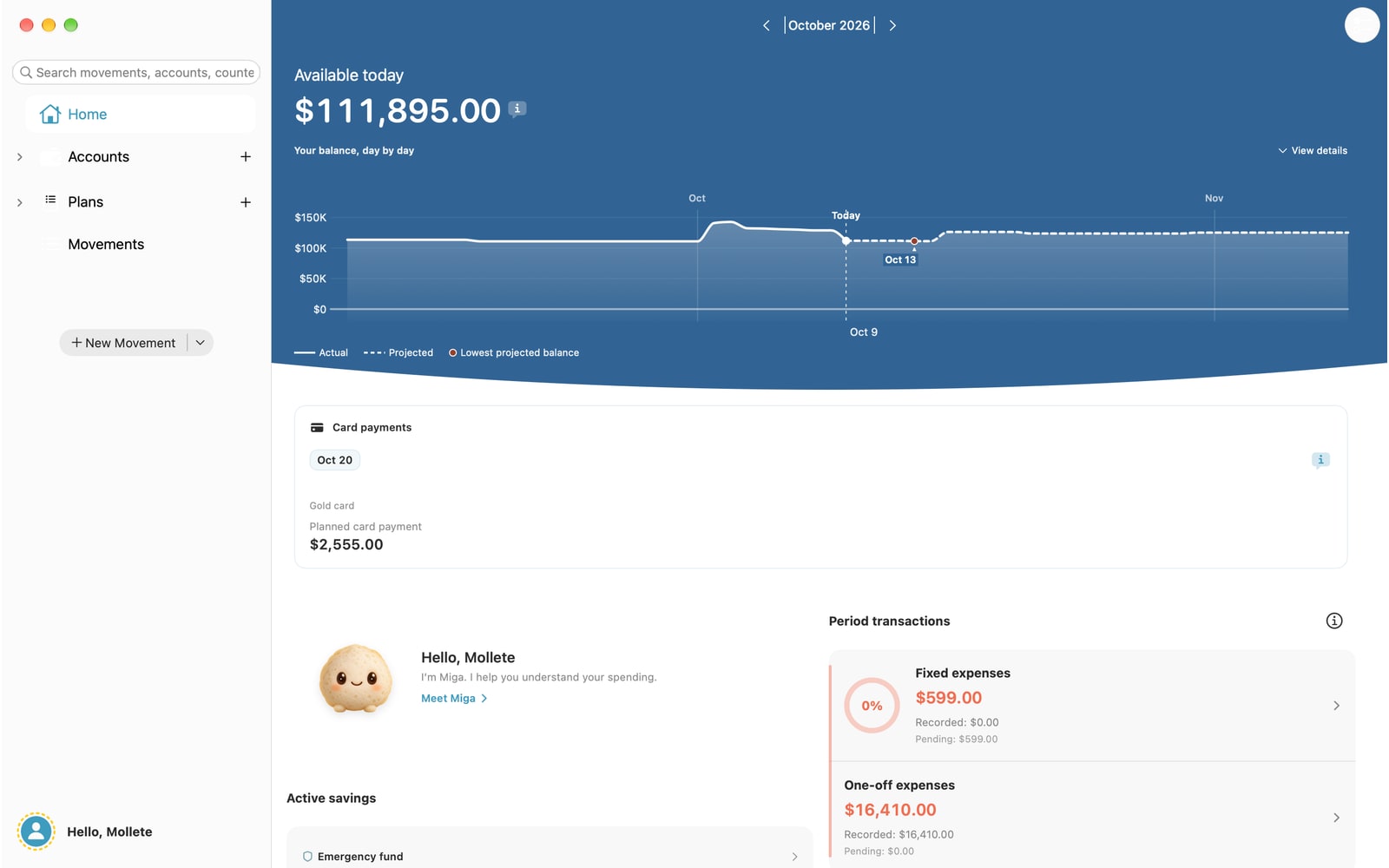
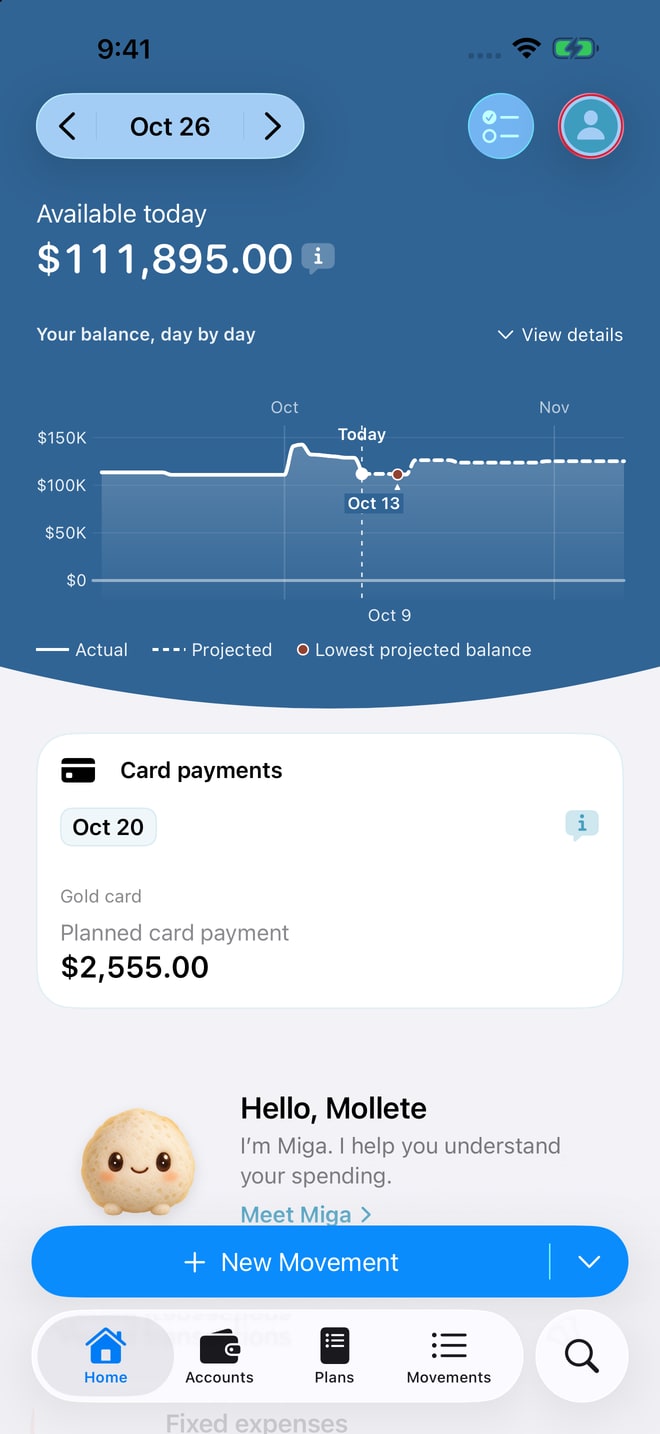
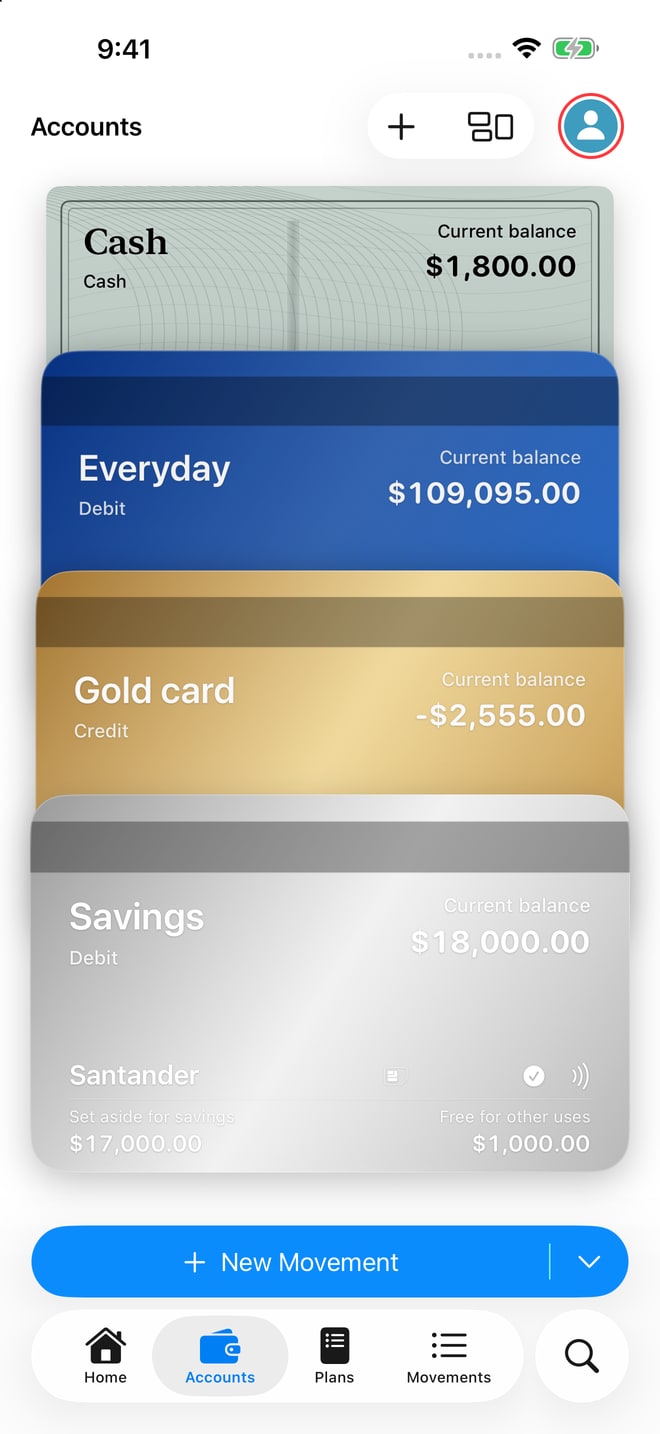
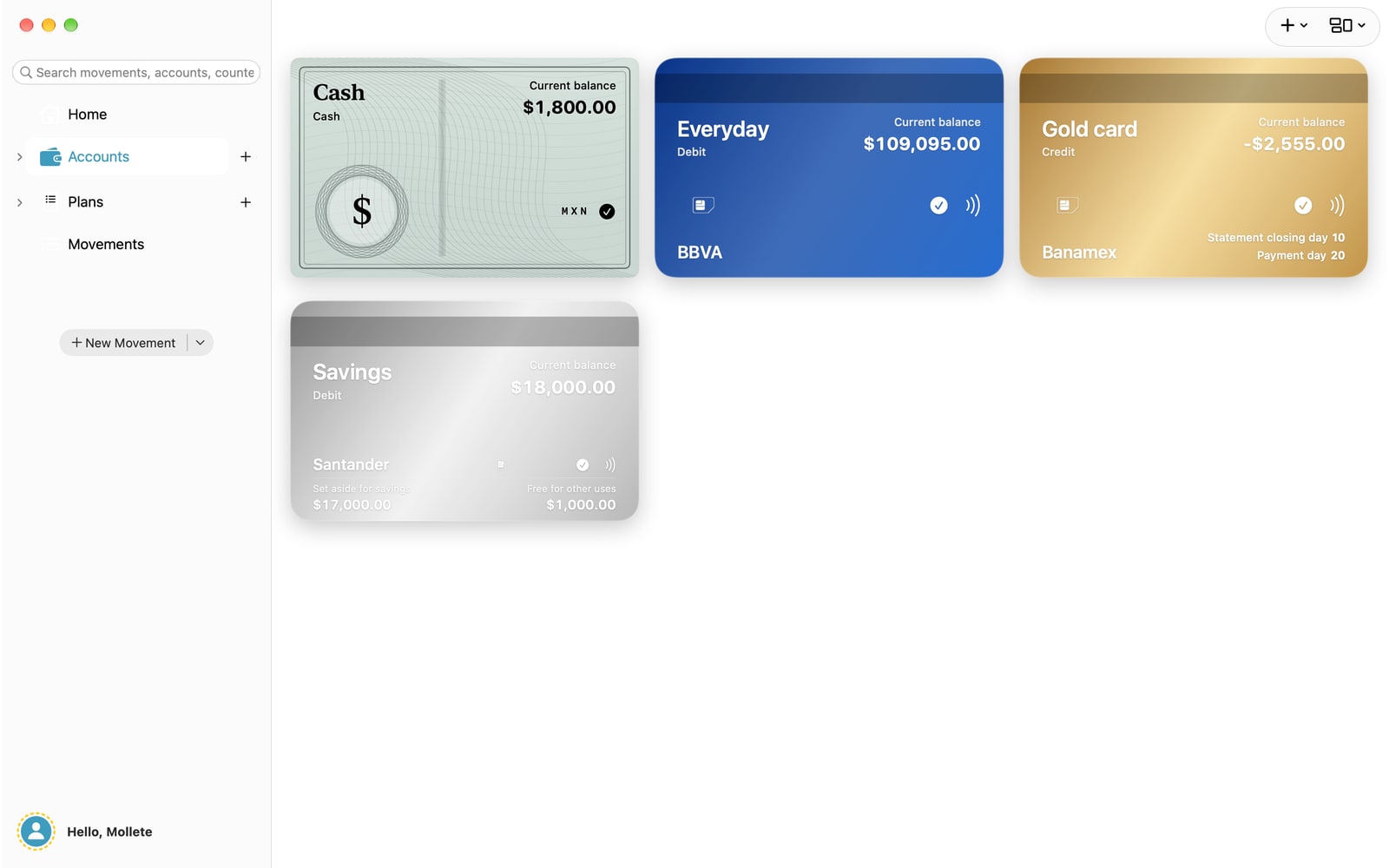
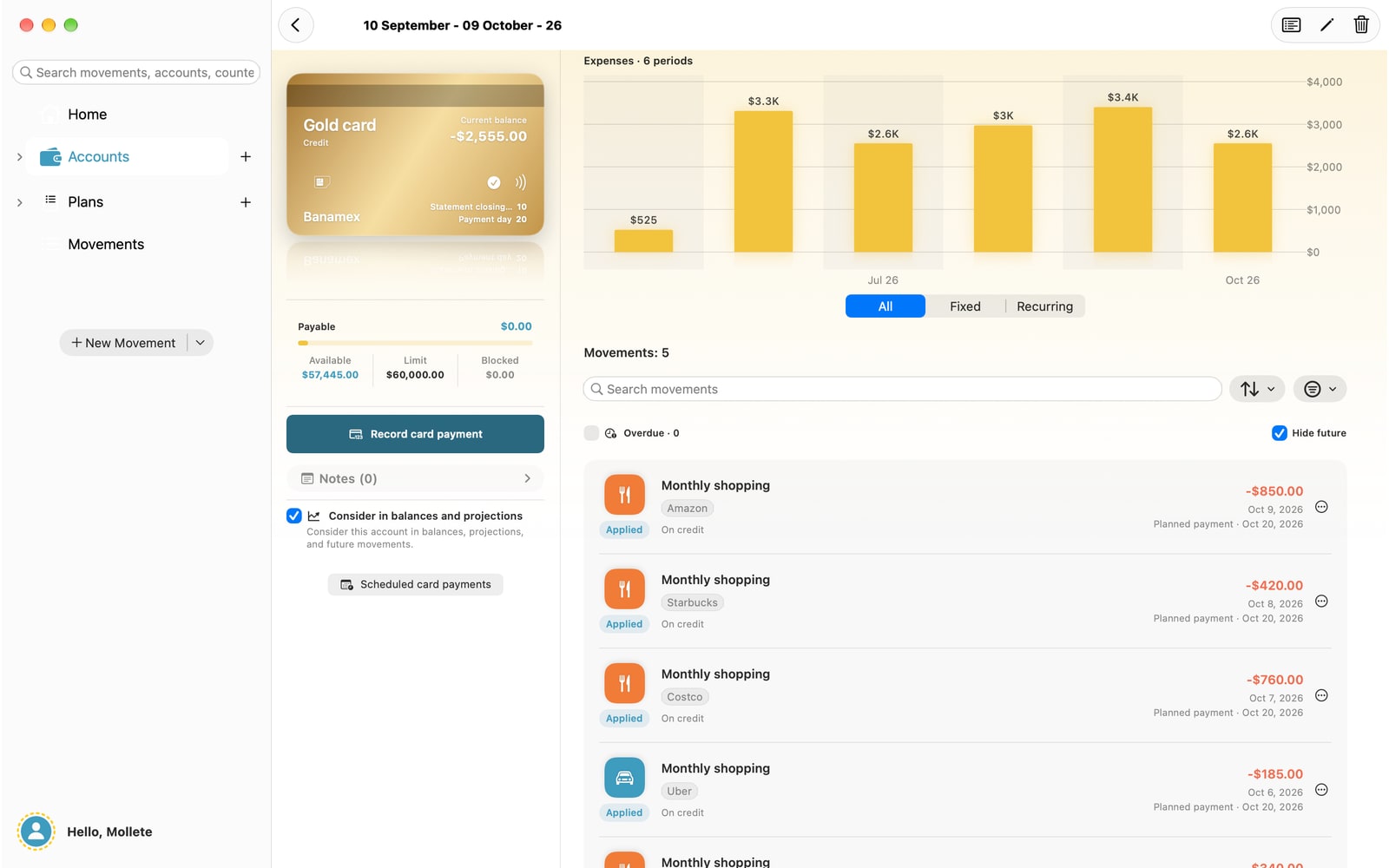
A credit card purchase and its payment can happen on different dates. Set statement closing dates and payment days to account for commitments when they are due. See your available money today and your card debt separately.
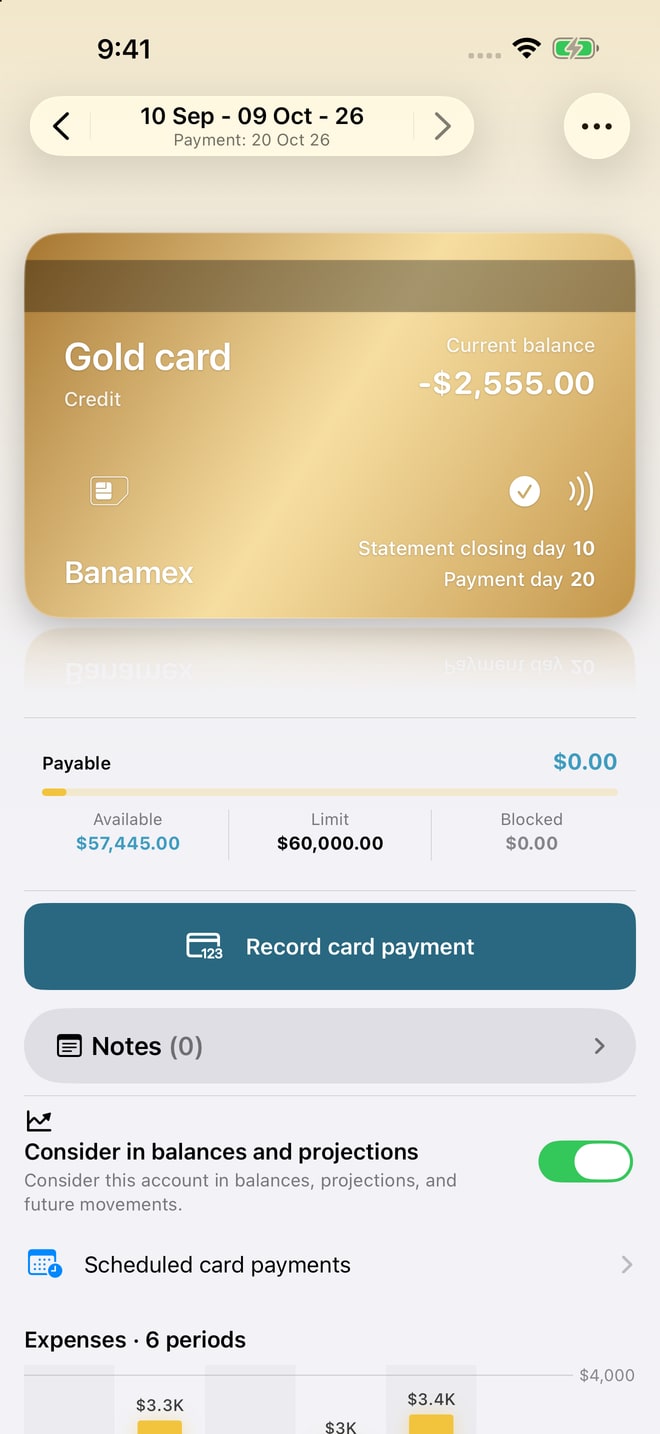
Available money today and credit card debt, shown separately.
Your coming months
Were you planning to save, but expenses changed the plan?
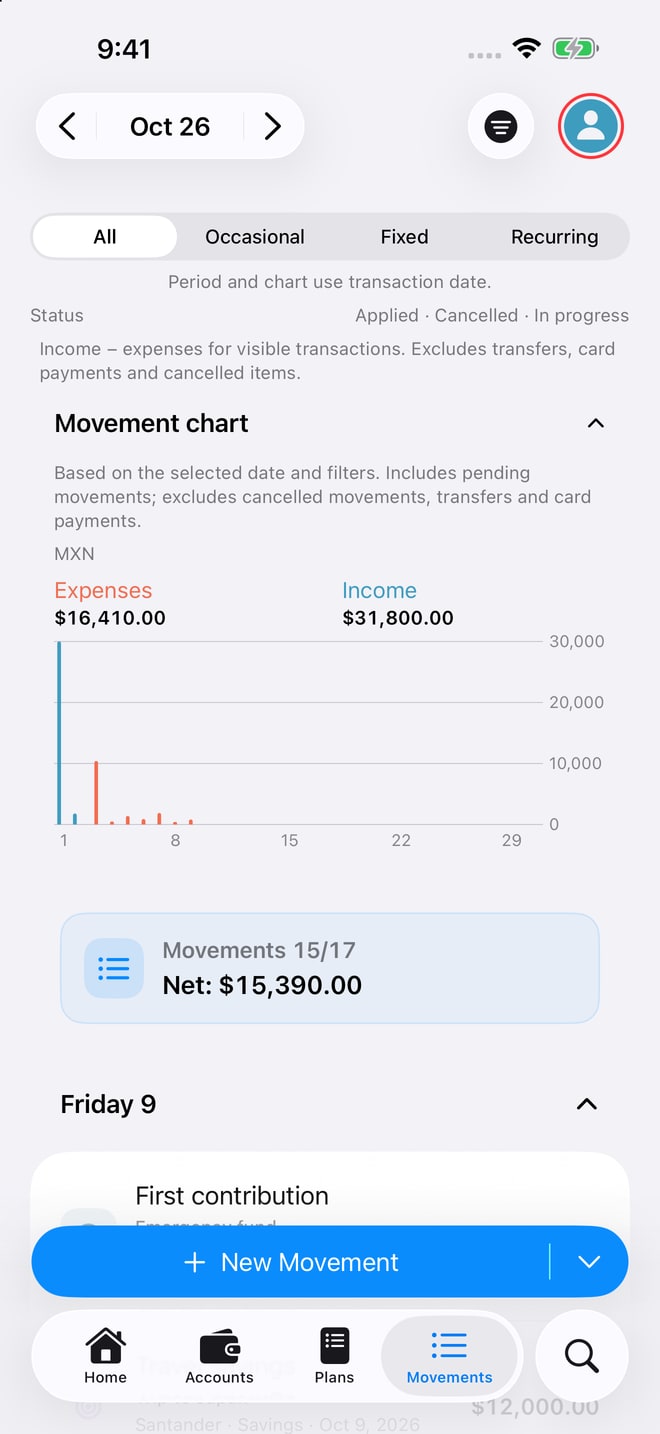
Combine your current balance with the salary, subscriptions, installments and card payments you record. Explore your projected money over the coming months if you keep following that plan.
Your budget is already included.
Include recurring budgets in your forecast. When you link an expense, the amount left to spend falls: the recorded expense replaces that part of the budget.
For example: budget MXN 2,000 for fuel and record MXN 1,000 linked to that budget. MXN 1,000 remains planned. The total accounted for is still MXN 2,000; additional expenses can change your forecast.
Forecasts are estimates based on the amounts and dates you record. Update your plan when your income or expenses change.
PLANS THAT BRING YOU CLOSER
Do you share expenses, but one person ends up paying more?
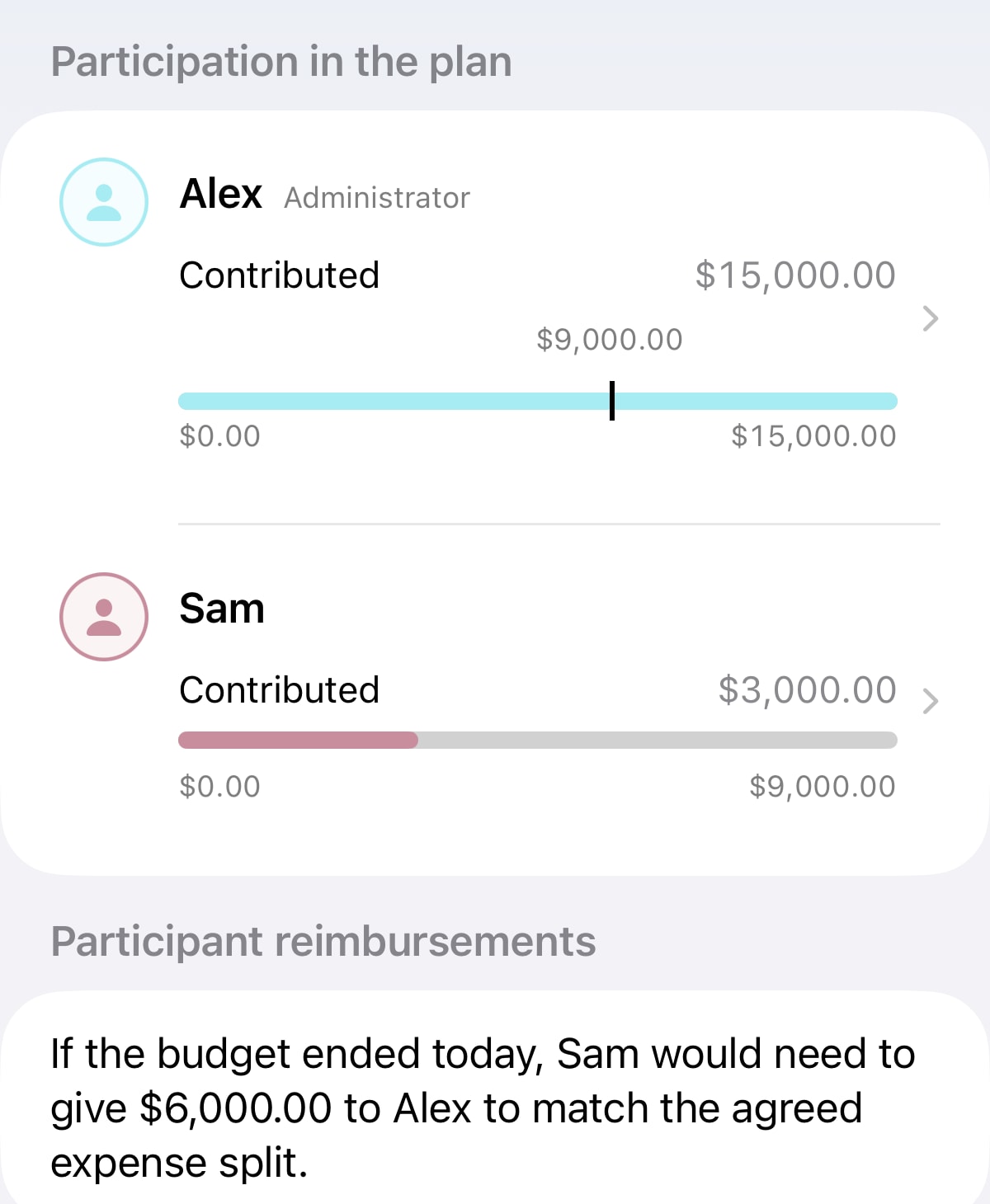
Agree on each person’s share and record who pays. In budgets with assigned shares and settlements, Mollete compares what each person paid with their share of each expense and calculates the balance to settle.
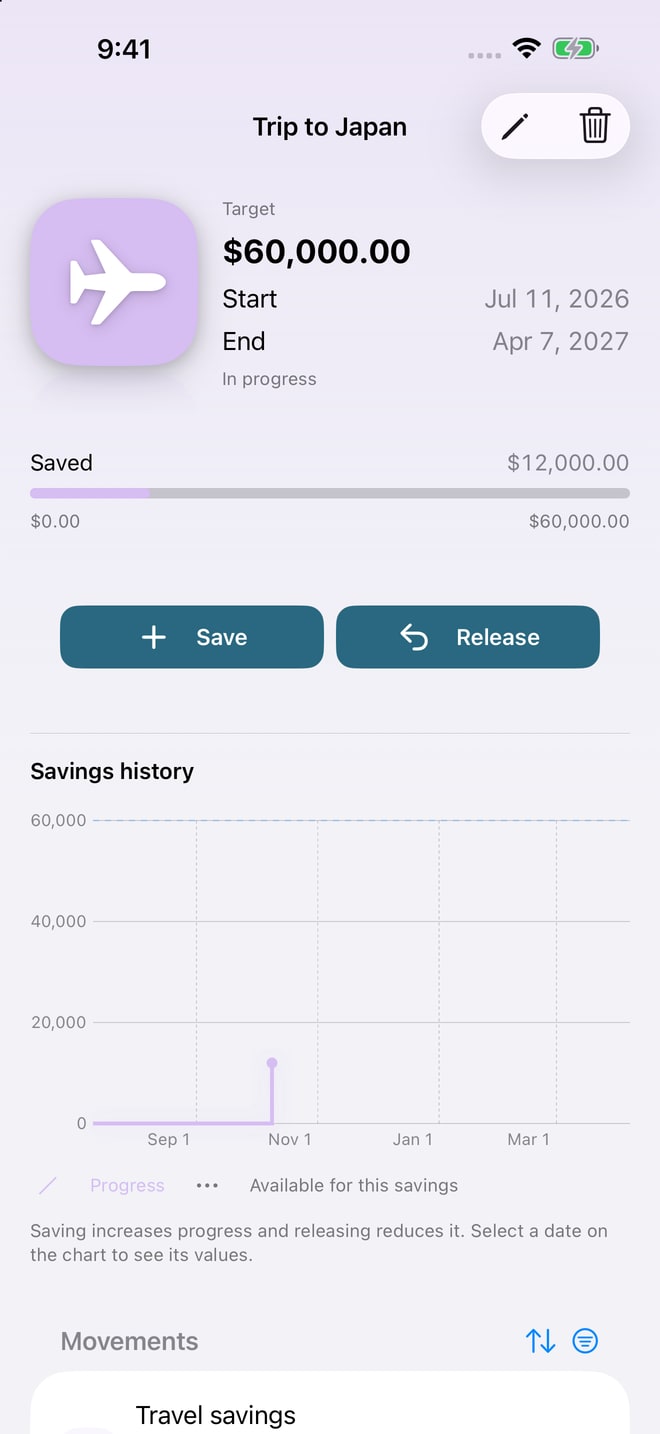
Split equally or choose another allocation. The adjustment uses recorded expenses, even when one person paid more for convenience. You can also share savings goals.
Mac · Web
Does your phone screen feel too small?
Review your expenses, budgets and cards with more room in the Mac app or in your browser. Sign in with the same account to sync your data.
Access on Mac and web requires Mollete Pro.
MOLLETE GOES WITH YOU
Closer to your everyday life.
Siri
Say it. Get on with your day.
Record an expense with Siri and Shortcuts. Give the amount, description and account; review the confirmation before saving.
Hey Siri, record an expense in Mollete.
Siri and Shortcuts on iPhone. Voice entry also on Apple Watch.
Apple Watch
Your finances, on your wrist.
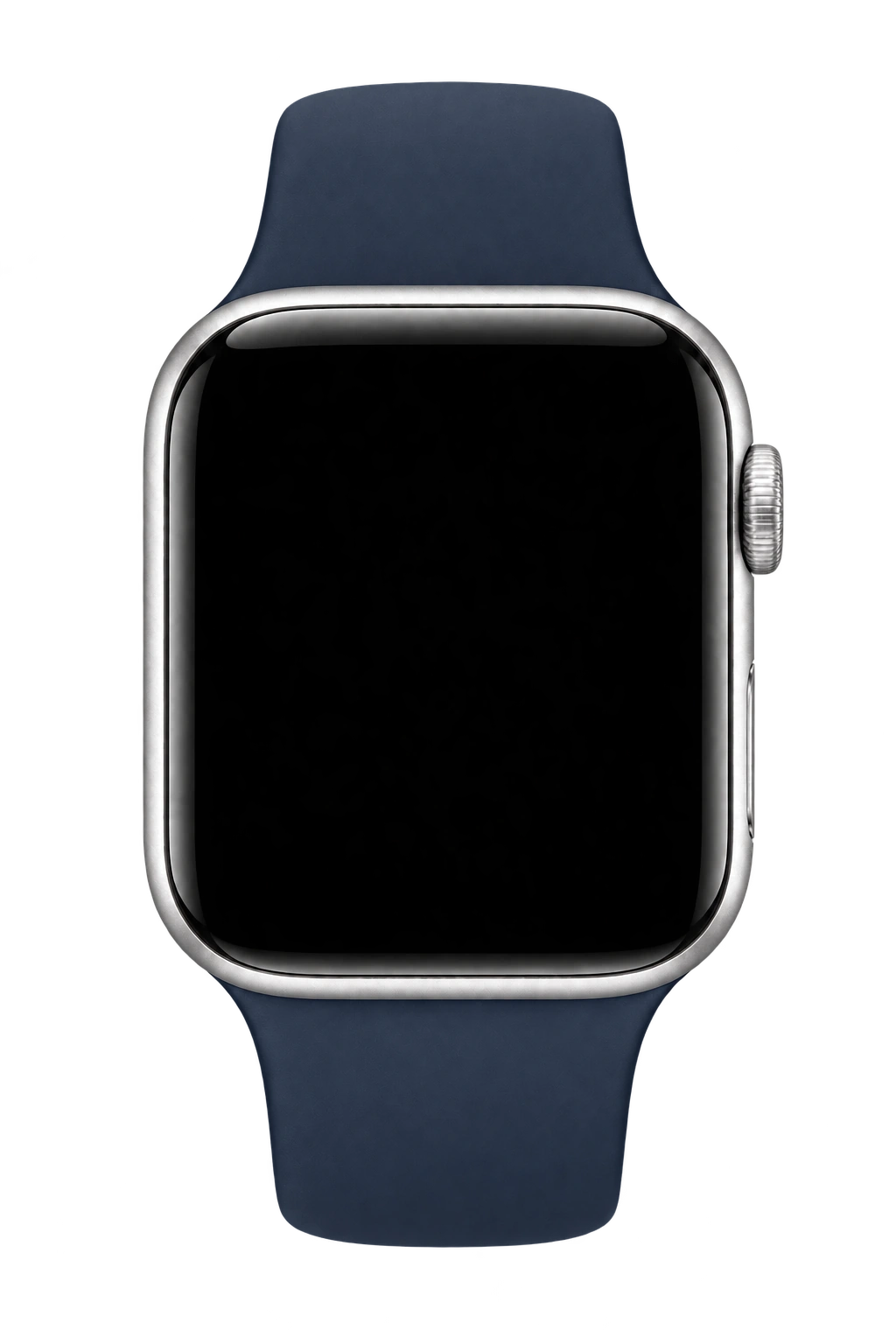
Check your available money, favorite accounts, transactions and upcoming payments. Record an expense on Apple Watch and use complications on your watch face.
With Mollete Pro. Set up access from your iPhone.
Miga
Hi, I’m Miga.
Your AI companion in Mollete. Review weekly and monthly reports, spot spending patterns and prepare ideas for budgets and savings. You decide what to save.
You choose which transactions to share or exclude. Miga asks permission before sending context to OpenAI and can make mistakes: review its suggestions.
Reports in beta with Mollete Pro on iPhone and Mac.
Your finances, your style.
Your finances, your style.
Choose how Mollete looks and what you want to see.
Choose your style
Make it yours with Mollete Pro themes.
 Home
Home

Preview · Personalize Mollete on iPhone and Mac.
A Home screen made for you
Choose your widgets, hide what you do not need and arrange them your way.


Preview · Personalize Mollete on iPhone and Mac.
See Mollete in action
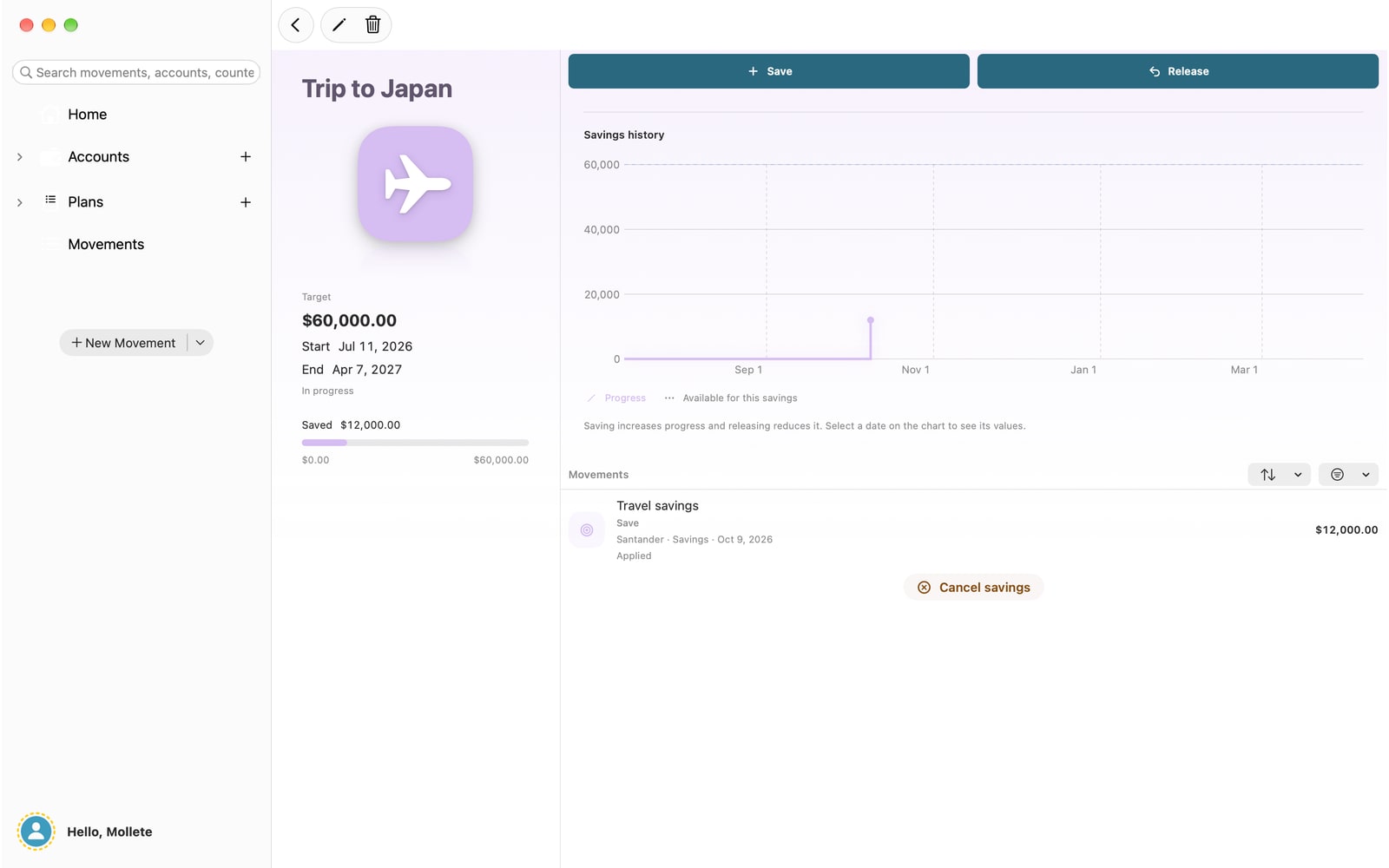
Current iPhone and Mac screenshots from October 9, 2026. Fictional demonstration data; the interface shown is in English.
Before you start
How does Mollete distinguish a card purchase from its payment?
You can record gas you buy today and plan the card payment for after your salary arrives. Set the statement closing date, payment day and how purchases affect your forecast. Mollete keeps the purchase date, shows debt separately and includes the planned payment without counting the expense again. You record when you make the payment; Mollete does not make it at your bank.
Is my spending added to the budget again?
Include recurring budgets in your forecast. When you link an expense, the amount left to spend falls: the recorded expense replaces that part of the budget. For example: budget MXN 2,000 for fuel and record MXN 1,000 linked to that budget. MXN 1,000 remains planned. The total accounted for is still MXN 2,000; additional expenses can change your forecast.
How are shared expenses settled?
Agree on each person’s share and record who pays. In budgets with assigned shares and settlements, Mollete compares what each person paid with their share of each expense and calculates the balance to settle. Fictional example: with MXN 18,000 in shared expenses split 50/50, each person’s share is MXN 9,000. If one paid MXN 15,000 and the other MXN 3,000, the second owes the first MXN 6,000. This records your agreement; Mollete does not transfer the money.
Does Mollete connect to my bank or move my money?
You record transactions and link them to your budgets. Mollete does not automatically import bank charges or execute payments or transfers. Pro synchronization keeps your records in sync across devices; it is not a bank connection.
Can I use Mollete without creating an account?
Yes, you can start in local mode on iPhone. Mac and web access requires signing in and having Mollete Pro.
What does Mollete Pro include?
Pro provides access to sync and the features and limits shown in the app, including shared plans according to your access. Apple manages subscriptions; check pricing and terms in the app.
Which languages are supported?
Spanish, English, Italian, Brazilian Portuguese, French, German, Japanese, Simplified Chinese, Russian, Korean and Hindi.
Availability and access
The iPhone and Mac app is under Apple review. The web version requires Apple or Google sign-in and Mollete Pro. On iPhone, you can start in local mode without creating an account.
On your device first.
On iPhone, you can use Mollete in local mode without creating an account. Apple or Google lets you sign in without sharing your password with Mollete. With Mollete Pro, sync your records across devices. Check the app for your available features and limits.
How we handle your data